
Baby and pet care brands for your assortment
Our brands & private label





Product catalogue

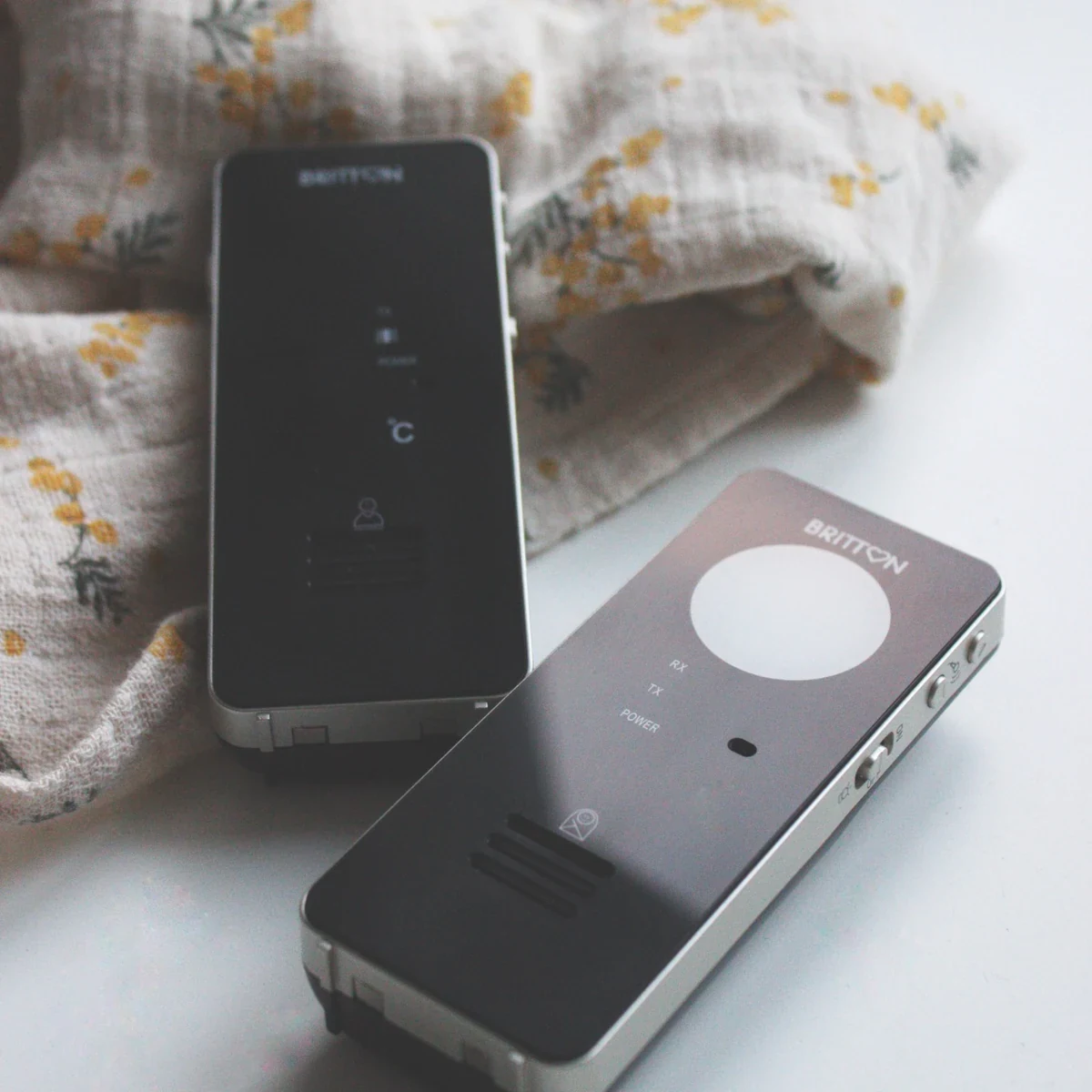
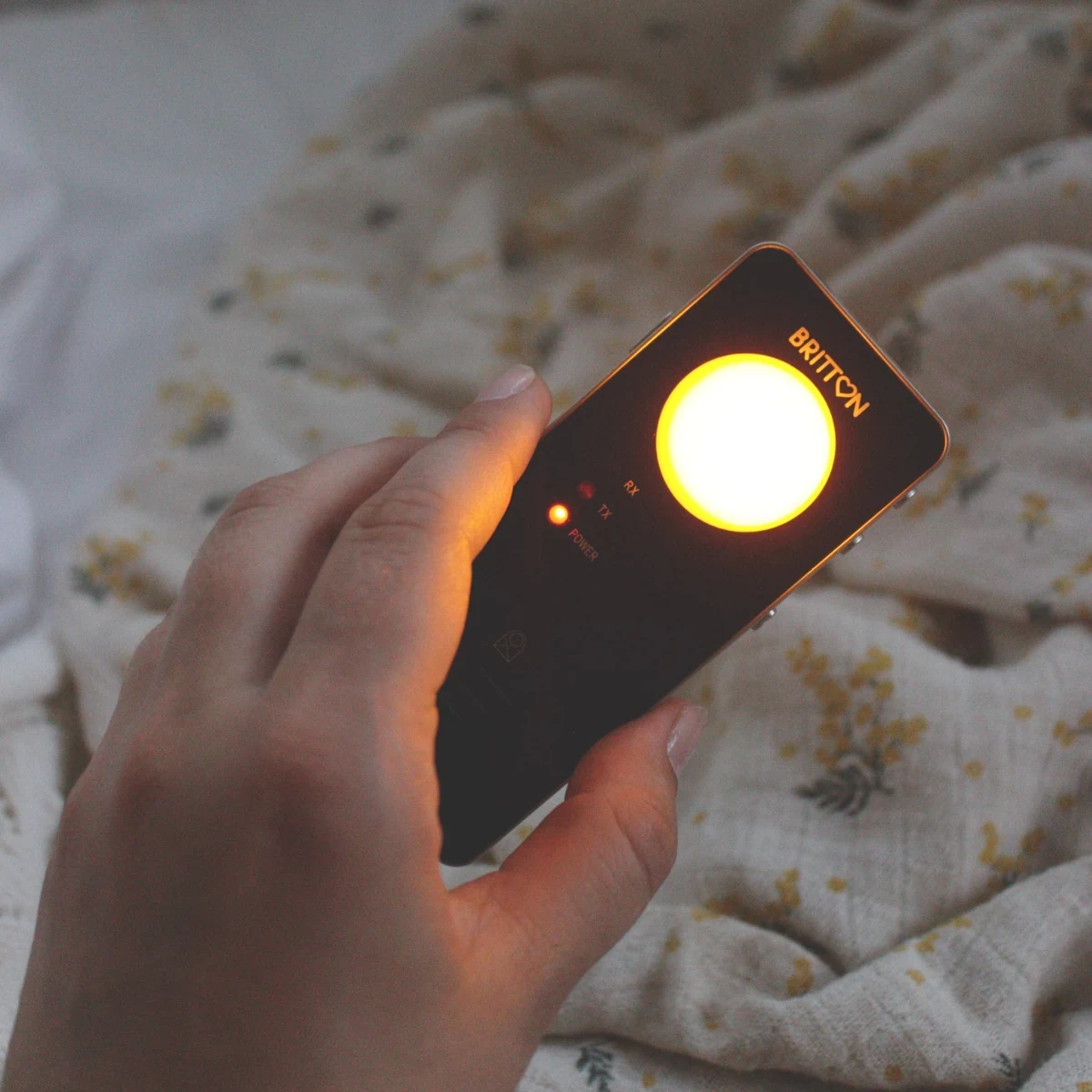
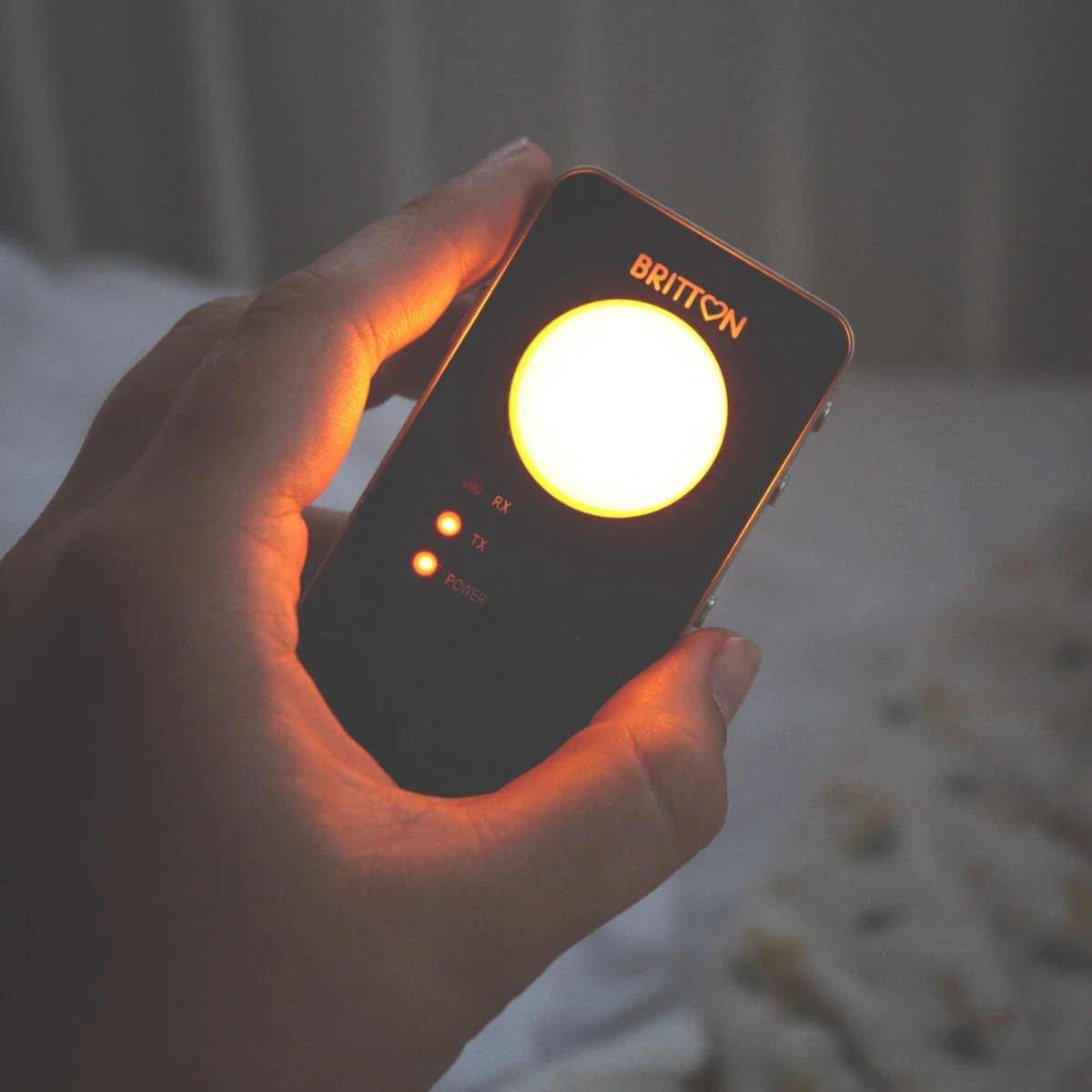
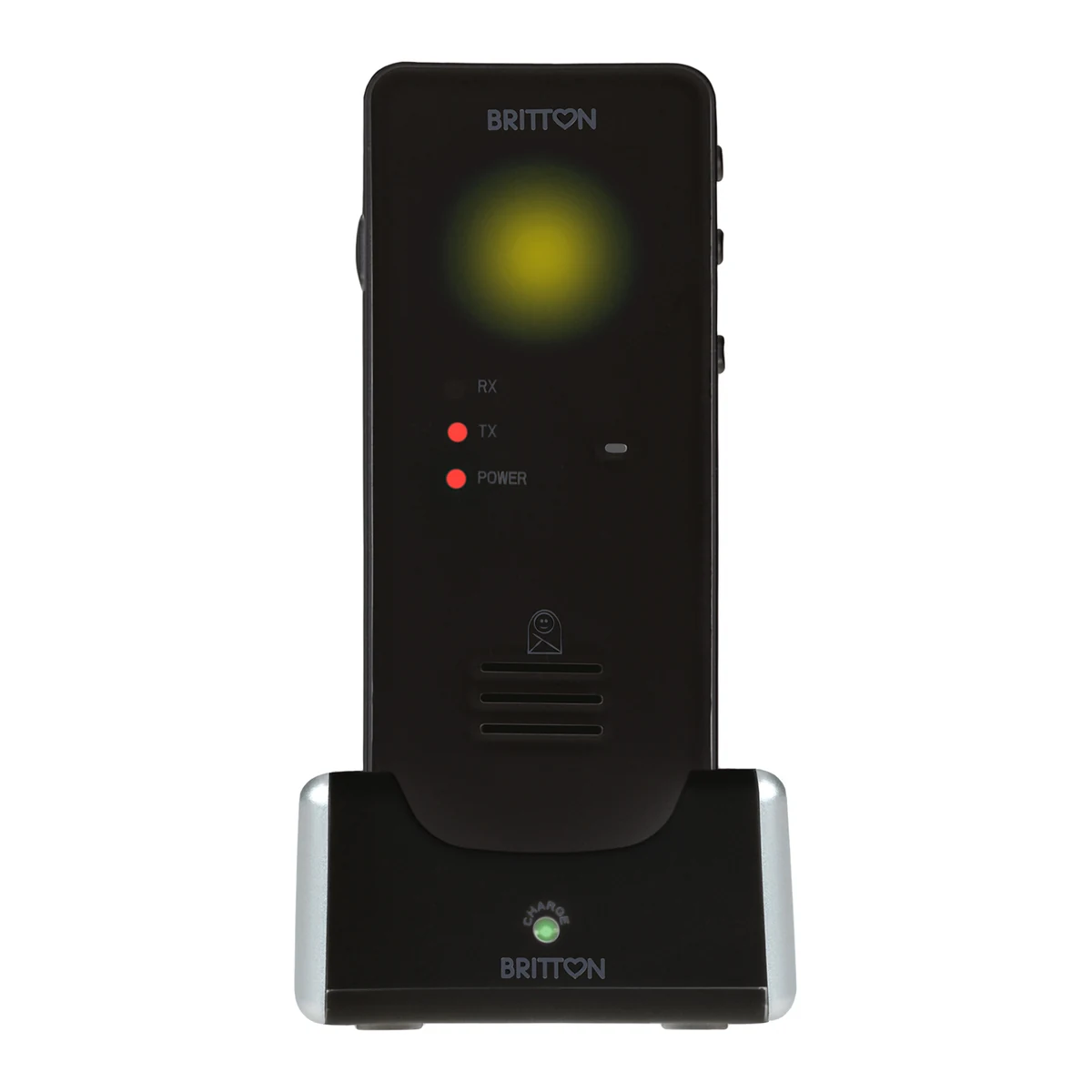
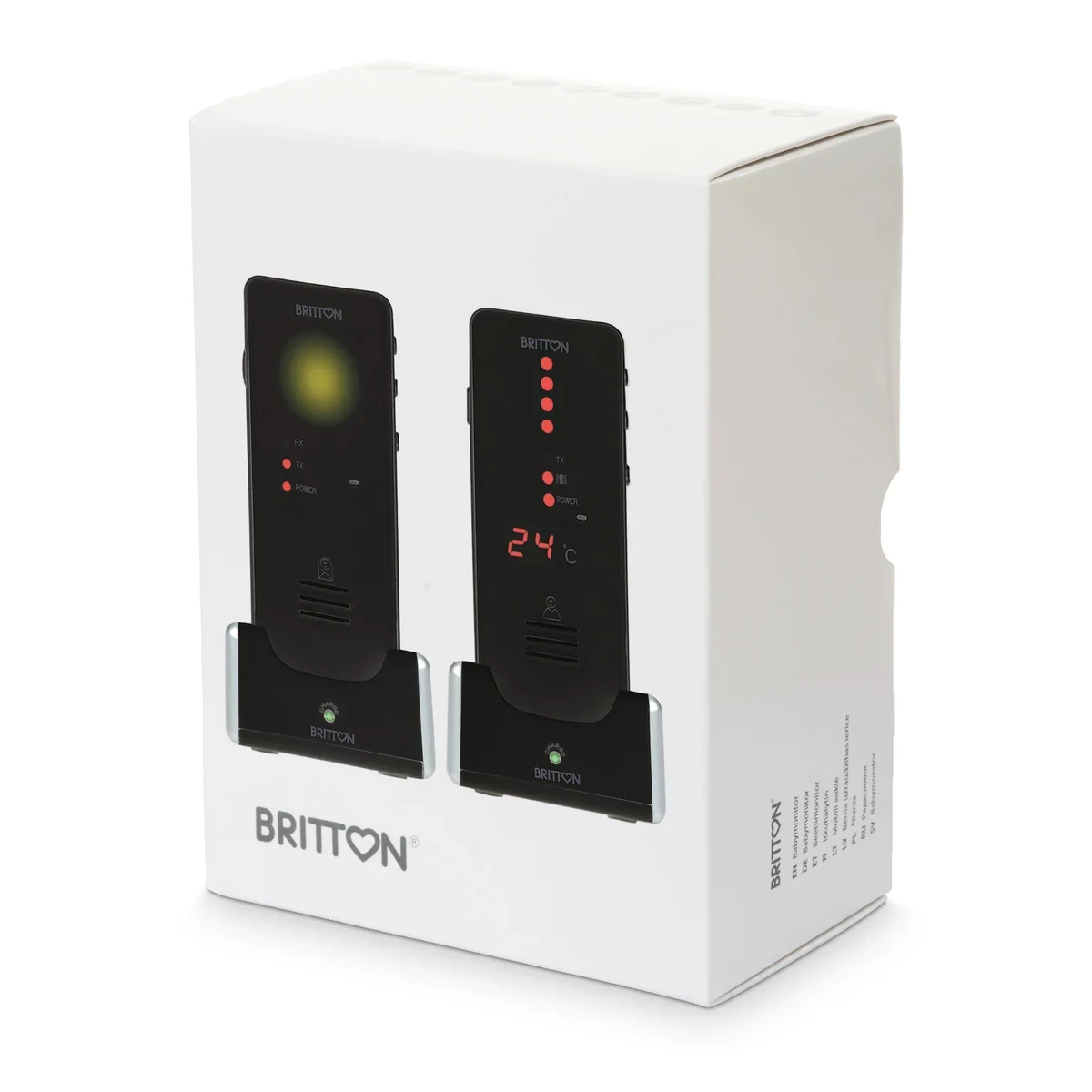
Baby Monitor Britton BC-50Li
- Brand
- Britton
- SKU
- BC-50LI
- EAN / GTIN
- 4743171003000
- Units per box
- 10
- Product height
- 8 cm
- Product width
- 12.5 cm
- Product depth
- 17.2 cm
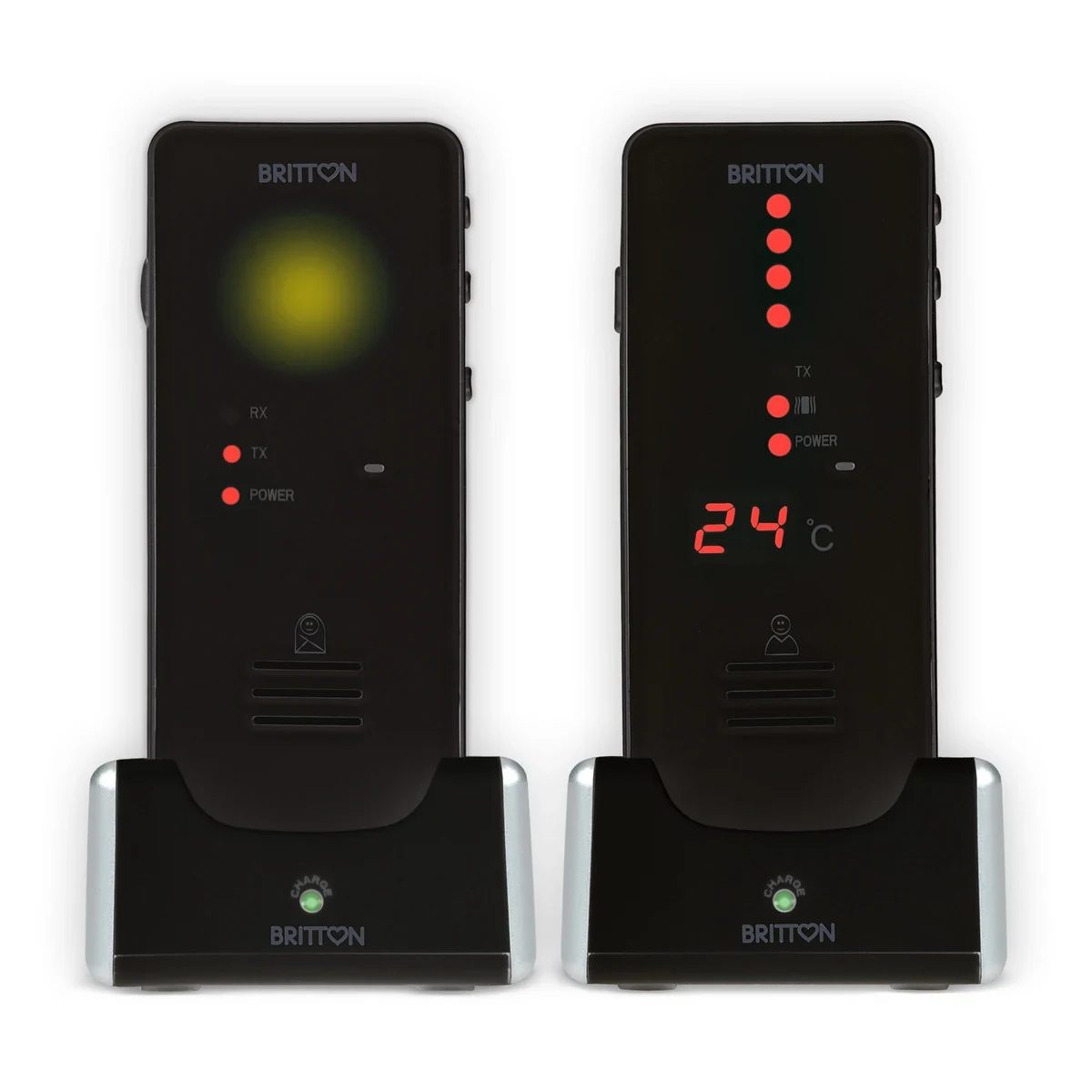
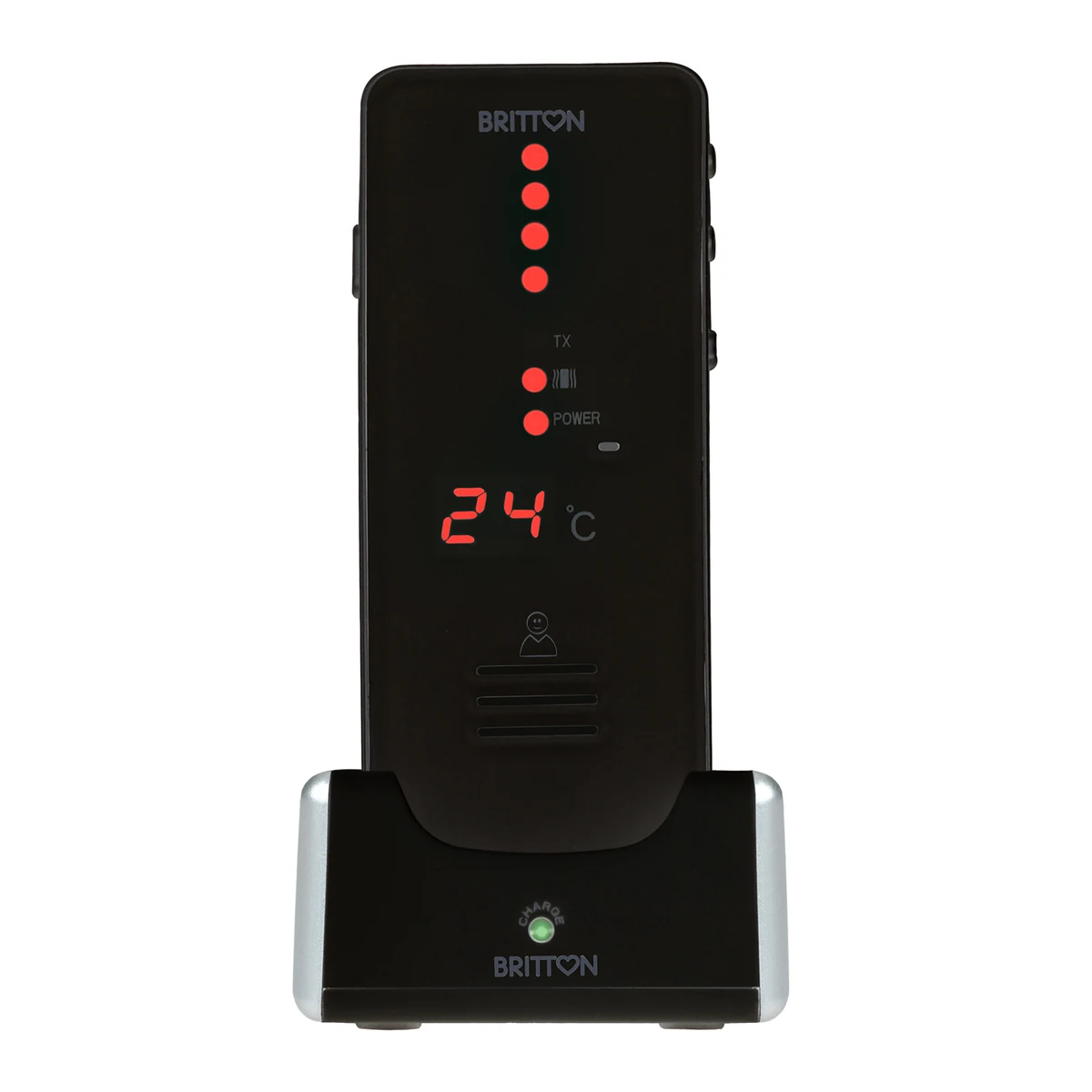
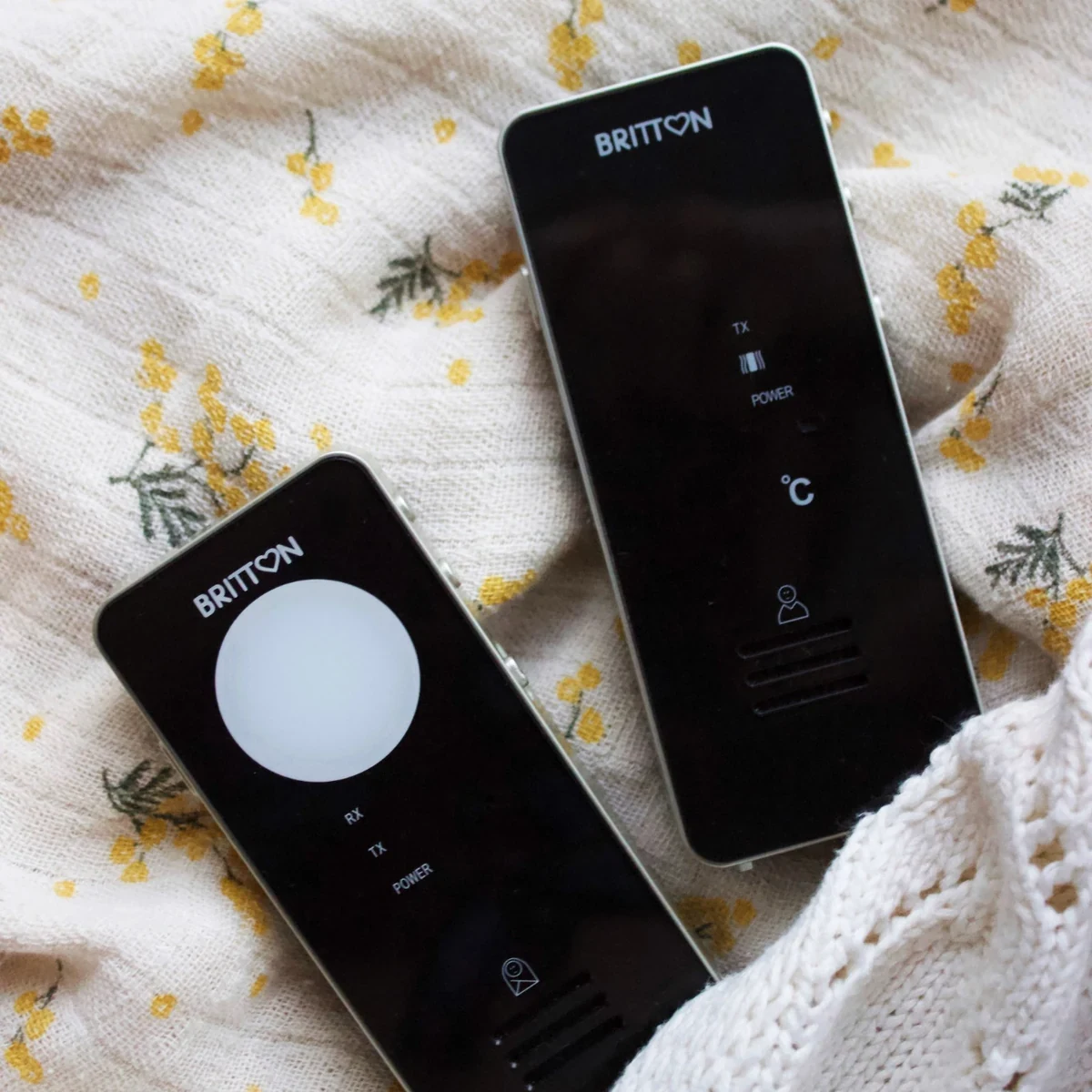
Britton BC-50Li digital audio baby monitor with rechargeable baby and parent units, a range of up to 500 m in open space, a room-temperature display and talk-back function.
Contact Speli for wholesale prices and commercial terms.
Contact SpeliDescription
The Britton BC-50Li is a digital audio baby monitor that lets you hear your baby and talk back through the parent unit. Both units can run on rechargeable batteries or AC power, making it easy to move them around your home.
Benefits / key features
- Both the baby unit and parent unit run on rechargeable batteries or AC power.
- Digital operation at 863–870 MHz with automatic search for a free channel.
- Range of up to 500 m in open space; walls and other obstacles can reduce the range indoors.
- Low transmitting power: according to the manual, 8% of standard DECT and 40% of ECO DECT.
- Automatic Power Reduction System (APRS) reduces transmitting power by half when the units are close together.
- Room-temperature display on the parent unit.
- Night light on the baby unit.
- Audible and visual out-of-range alert on the parent unit.
- LED sound-level indicator and vibration alert on the parent unit.
- Low-battery warning on both units.
- Adjustable microphone sensitivity on the baby unit.
- Talk-back function for speaking to your baby.
- Rechargeable lithium-polymer batteries without a memory effect.
What's in the box
1 baby unit, 1 parent unit, 2 rechargeable lithium-polymer batteries, 2 charging bases, 2 power adapters and a user manual.
Usage and charging
Before first use, install the supplied rechargeable batteries with the correct polarity. With the units switched off, charge them in their charging bases for at least 4 hours. The charging light is red while charging and turns steady green when charging is complete. Each unit must have its battery installed when placed in the charging base.
Place the baby unit about 1 m from the cot, with the microphone facing your baby. Keep the temperature sensor unobstructed so it can measure the room temperature. Keep the parent unit far enough away from the baby unit to prevent feedback.
Switch on both units. Adjust the baby unit's microphone sensitivity to the sound level you want it to pick up, and set the parent unit's volume. The LED sound-level indicator shows the level of sound received. Use the night light and vibration alert as needed.
To talk to your baby, press and hold the PTT button on the parent unit and speak into its microphone. Release the button when you finish. You cannot hear your baby through the parent unit while the PTT button is held down.
Storage instructions
Keep the units away from moisture, excessive dust, heat sources and prolonged direct sunlight. The manual specifies an operating temperature range of −9 °C to +50 °C.
If the monitor will not be used for an extended period, remove the batteries from both units and unplug the power adapters from the wall outlets.
User manual
This page provides a quick guide. Read the full manual before use and keep it for future reference. It includes button diagrams, detailed pairing instructions and troubleshooting.
Disposal instructions
Collect the monitor and its batteries separately from household waste. Take electrical equipment and batteries to an appropriate collection point. See Speli’s electrical equipment and battery return information for local return options.
Troubleshooting
No sound: check that both units are switched on and charged. Increase the baby unit's microphone sensitivity and check the parent unit's volume. If the units do not communicate, follow the pairing instructions in the full manual.
Feedback or a high-pitched noise: move the parent unit farther away from the baby unit.
Out-of-range alert: move the units closer together and check the baby unit's power supply. The alert can also mean that the baby unit is switched off, its battery is empty or pairing was unsuccessful. The alert sounds after the connection has been lost for more than 2 minutes.
Short battery life: turn off the night light or vibration alert when you do not need them. If interference occurs, move the units away from other electrical appliances. Walls and metal structures can reduce the usable range.
Warnings
The monitor does not replace regular, direct supervision by a responsible adult. It is not a medical device. Premature babies and babies considered at risk should be supervised by a doctor or healthcare professional.
Do not let your child play with the monitor. Use it only for its intended purpose and make sure all users understand how it works.
Use only the supplied power adapters and suitable rechargeable batteries. Do not place a unit containing a non-rechargeable battery in the charging base: there is a risk of explosion. Do not open the housing or attempt internal repairs. Contact the seller if you find a defect.